



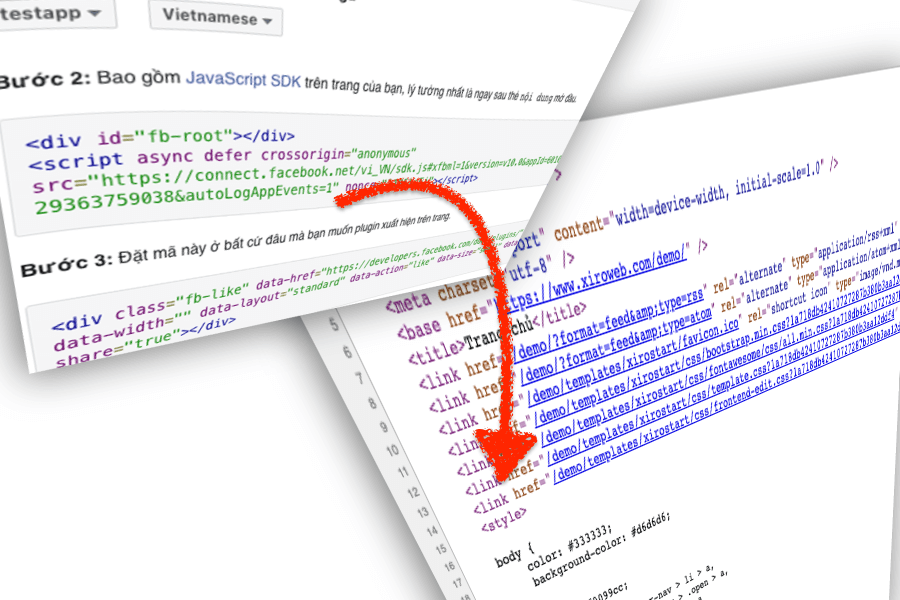
Module Xiroweb Insert Html/JS/CSS Code: Insert raw code html to source html web. Use this module to Insert code from Adsense, Facebook plugin, Google tags, Google Ads remarketing...
Xiroweb Insert Html/JS/CSS Code
Module Xiroweb Insert Html/JS/CSS Code: Insert raw code html to source html web. Use this module to Insert code from Adsense, Facebook plugin, Google tags, Google Ads remarketing...
Module
Module Xiroweb Insert Html/JS/CSS Code
- Free
- Include: Module
- Compatibility: Xiroweb Platform 3, Joomla 3.10, Joomla 3.9, Jooma 4
- Developer: Xiroweb.com
For Joomla 3, Xiroweb Platform 3
Download 2.1.2Use module to insert raw html (include js in html) to your website.
How insert code at head html?
1. Insert this code into template index.php before head html tag
<jdoc:include type="modules" name="head-code" style="none" />

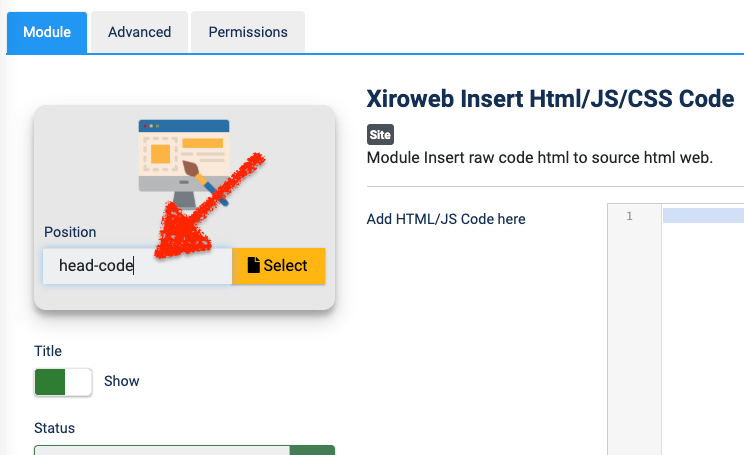
2. Add module and select position head-code
Author
Dustin Dzung
Dustin Dzung with 15 years of experience in using and developing websites with Joomla!, from the first version of Mambo to Joomla! 1.0 and up to the present Joomla! 5.x.